NVIDIA Broadcast App
Turn any corner of your home into a studio. NVIDIA Broadcast uses AI to clean up your voice and video for livestreams, voice chat and video calls — no extra gear needed.
Download NVIDIA BroadcastFree · Version 2.3.0 · WindowsWatch Broadcast at Work
See what NVIDIA Broadcast can do when it taps into the AI power of NVIDIA RTX™ graphics cards.
Sound Like a Pro
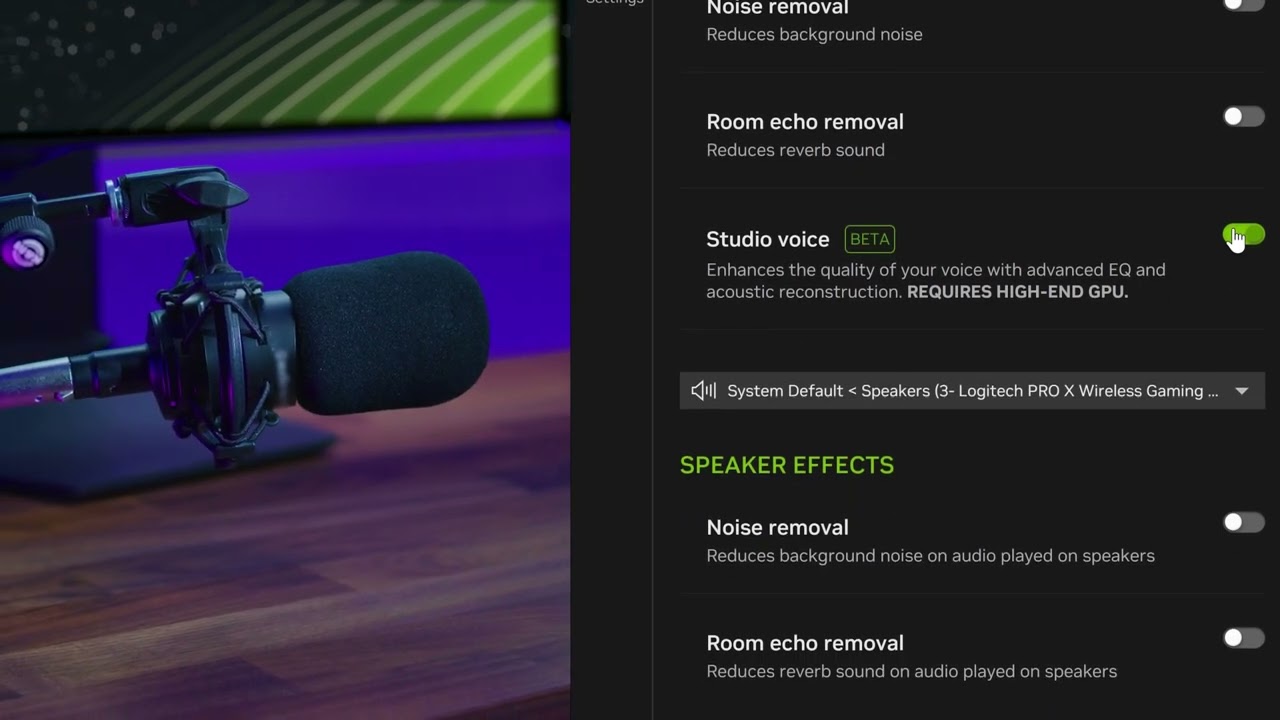
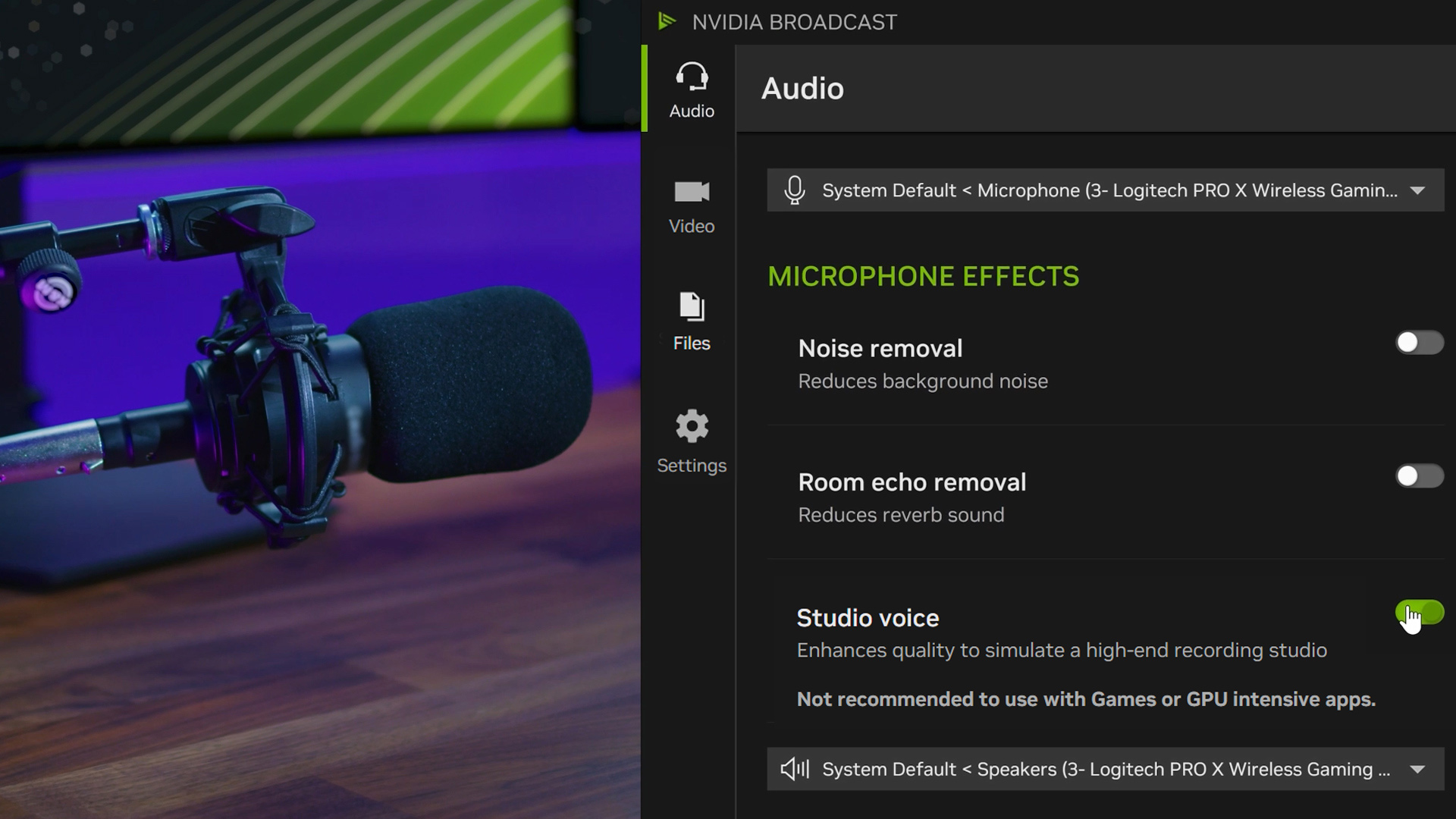
Give your microphone an AI upgrade. Studio Voice polishes your audio to premium quality, so even a regular room sounds like a recording booth.
Silence the Chaos
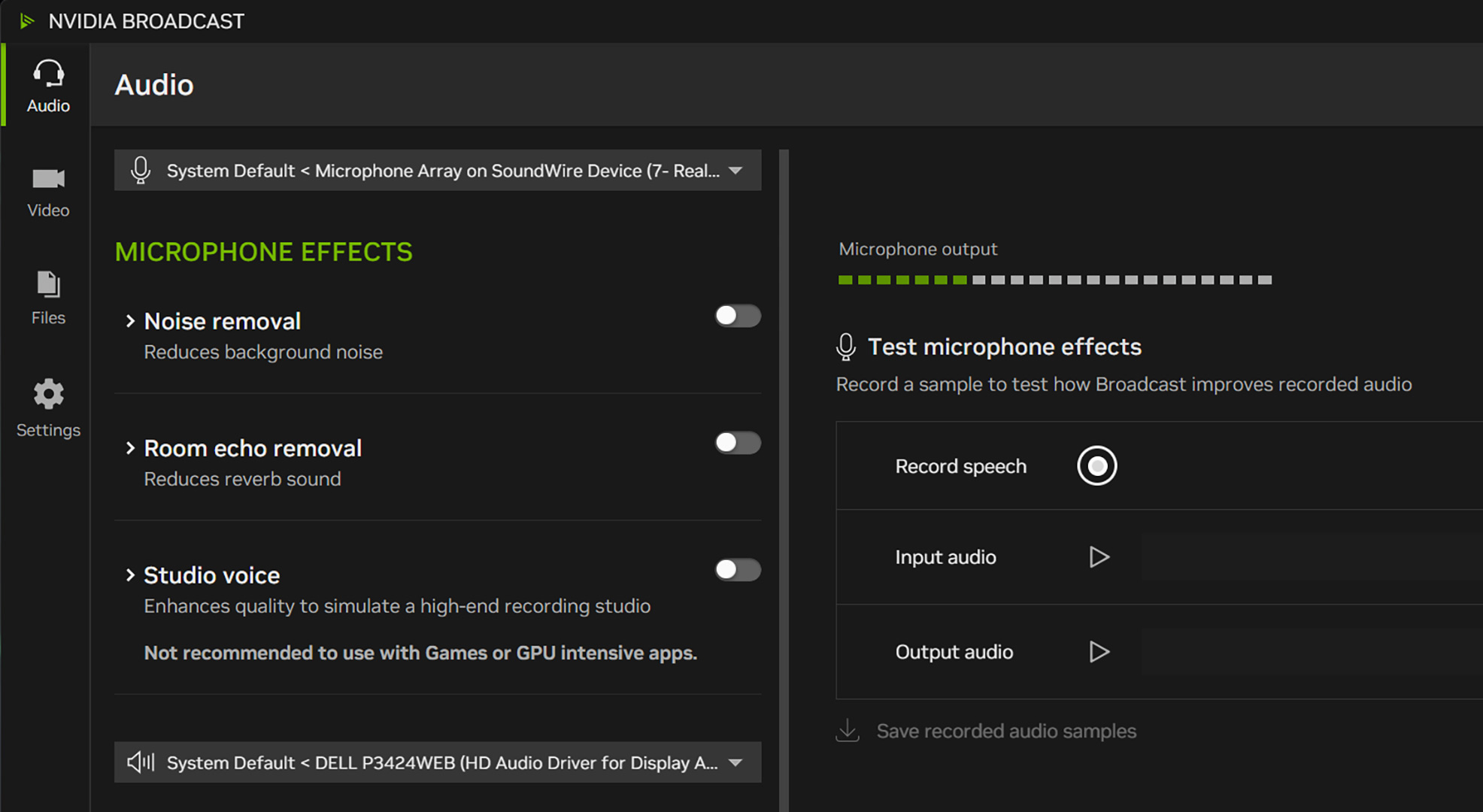
Clacking keys, mic hiss, whirring fans, a room full of echo. Noise Removal and Room Echo Removal — the evolution of RTX Voice — wipe out background sound with a single click.
Stream or join a meeting from anywhere, without hunting for a quiet spot. NVIDIA Broadcast keeps it simple.
Build Your Scene
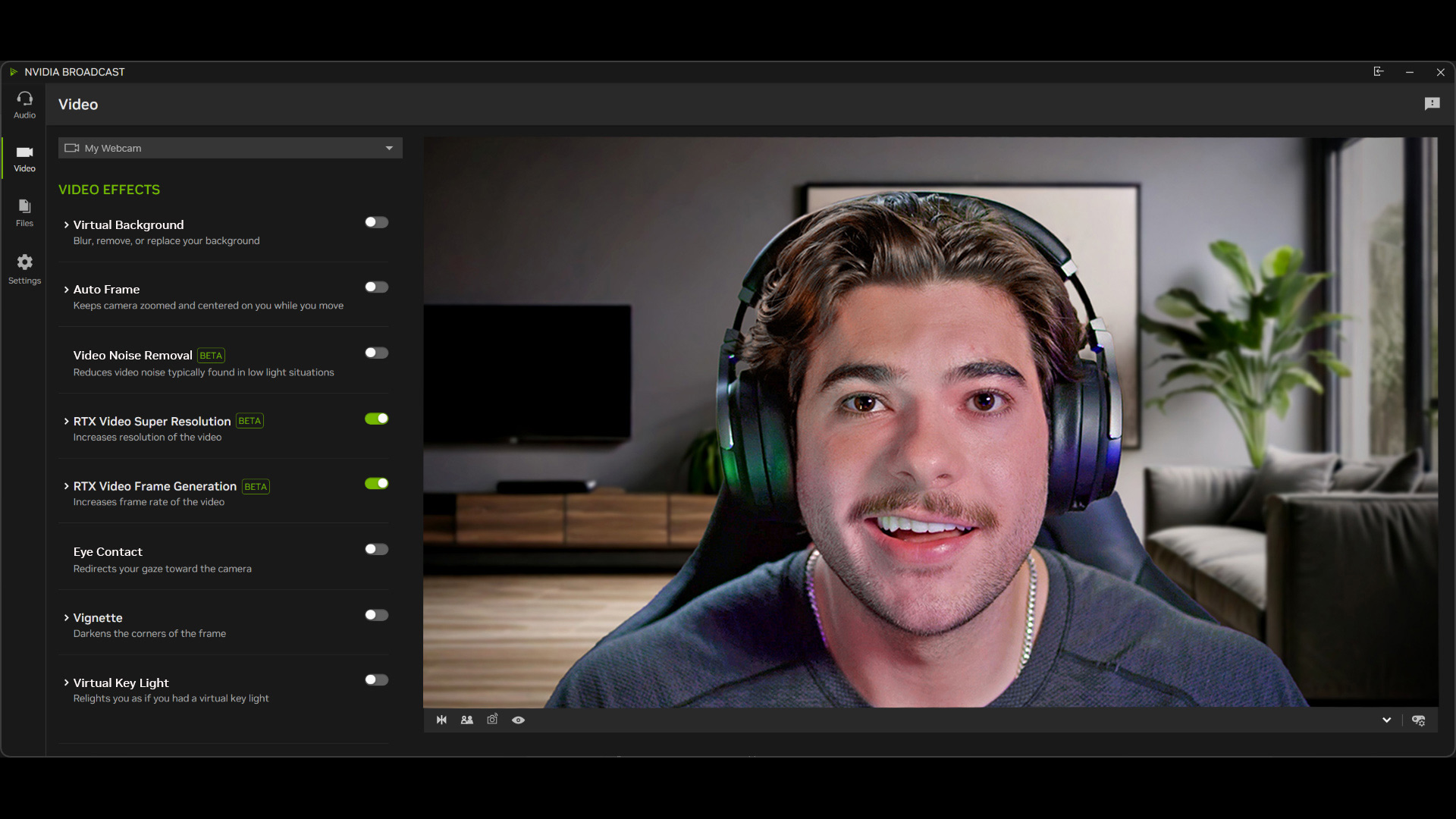
Take creative control in seconds. Background Removal, Replacement and Blur let you style your backdrop without a greenscreen, pricey gear or studio lighting. Make your webcam feed your own with AI-powered effects.
Always Well Lit
Virtual Key Light relights your face automatically, softening shadows and keeping you evenly lit for the whole stream.
Look Them in the Eye
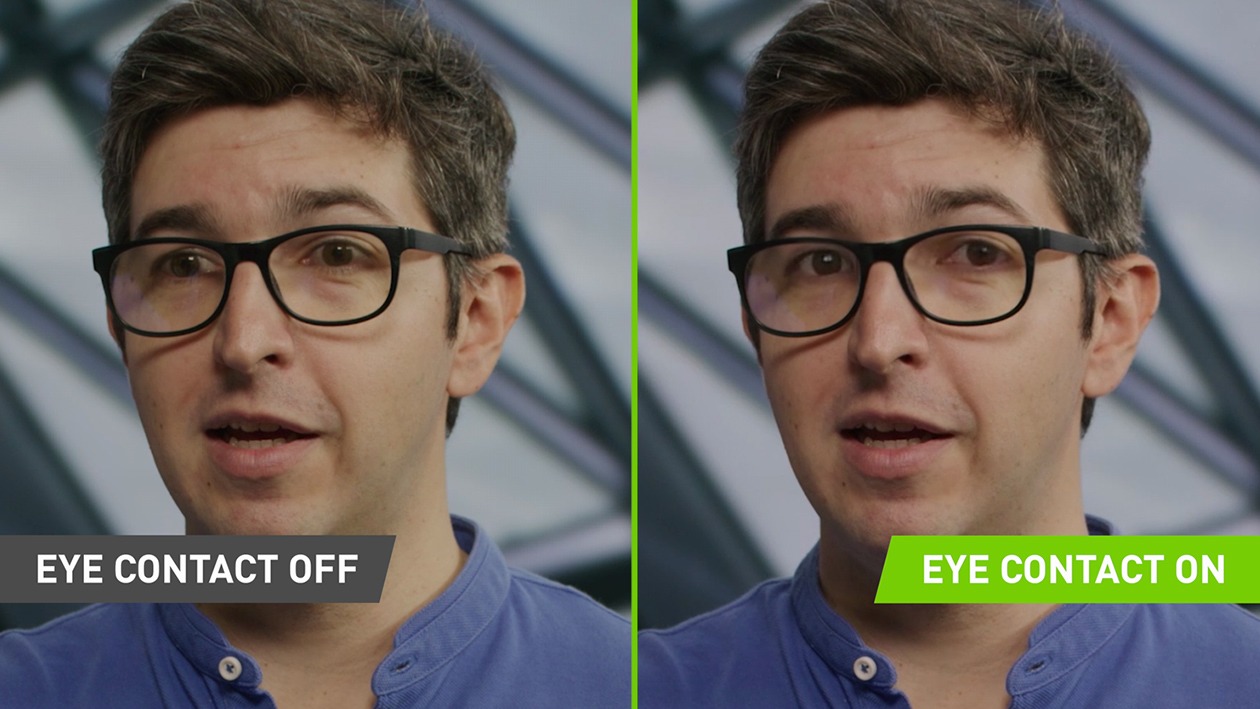
Eye Contact uses AI to keep your gaze on the camera — even while you read notes or glance at another screen.
Sharper Than Ever
Boost your webcam instantly with AI upscaling to 4K and smooth 60 fps frame generation.
Polish Before You Post
Run your recordings through NVIDIA Broadcast offline and make sure every clip looks and sounds its best before it goes live.
Let Your Agent Drive
Operate NVIDIA Broadcast through your favorite AI agent — flip effects on and off or process files with a simple request.
Stay Center Stage
Lights, camera, AI. Auto Frame follows you in real time, cropping and zooming automatically so you stay the focus of the shot as you move.
Get Started
Ready to broadcast? NVIDIA Broadcast plugs into the apps you already use, and setup takes just a minute.
Download NVIDIA Broadcast and install it.
Pick your mic, speakers or camera and turn on the effects you need.
Choose NVIDIA Broadcast as the device inside OBS, Discord, Zoom or any other app.
“NVIDIA is making it easier than ever to look professional in your live stream.”— Engadget
“NVIDIA Broadcast looks like a genuine game-changer.”— VentureBeat
“We’ve enjoyed working with NVIDIA for the Virtual Greenscreen technology.”— Ben Torell, OBS Project
Download NVIDIA Broadcast
One NVIDIA Broadcast download gets you the newest NVIDIA Broadcast update with every AI effect — including the noise removal that started as RTX Voice.
NVIDIA Broadcast v2.3.0
Latest release · Windows 10 / 11 (64-bit)
System Requirements
- GPU
- NVIDIA GeForce RTX 2060, Quadro RTX 3000, TITAN RTX or newer
- Driver
- NVIDIA Studio, Game Ready or RTX Enterprise Driver (latest)
- OS
- Windows 10 / 11 64-bit, Windows on ARM
- RAM
- 8 GB or more
- CPU
- Intel Core i5 8600 / AMD Ryzen 5 2600 or better
Support


Is NVIDIA Broadcast the same as RTX Voice?
Yes — NVIDIA Broadcast replaced RTX Voice. It keeps the AI noise removal and adds Studio Voice, echo removal, virtual background, eye contact, auto frame and more.
How do I download NVIDIA Broadcast?
Hit the Download button above, unzip the archive, run the installer and restart your PC. The broadcast app is free for GeForce RTX and NVIDIA RTX owners.
How do I install an NVIDIA Broadcast update?
Download the current version here and install it over the old one. No need to uninstall first.